Contact 1-828-270-7235
For Faster Shipping Please Put FedEx Account in"Order Comment" When Checking Out


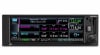
Get the advanced GPS navigation functions you’ve always dreamed of — plus modern COMM radio features that save you time and effort when you fly.
WAAS GPS navigation enables LPV approaches with minimums as low as 200’.
Built-in 10-watt COMM radio offers 25 kHz or optional 8.33 kHz channel spacing.
Automatically identify frequencies so you know who you’re talking to.
Get extensive compatibility with Garmin flight displays or existing course deviation indicators (CDIs)1.
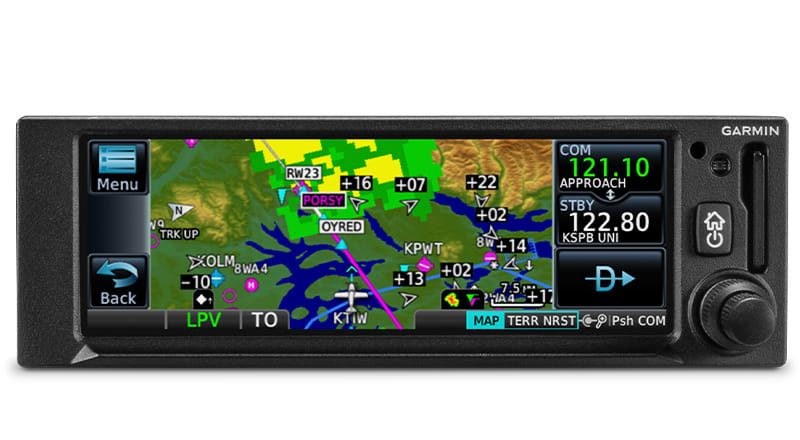
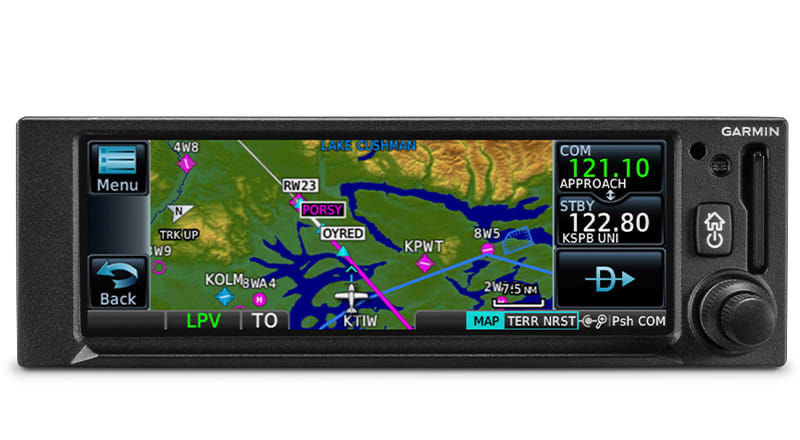
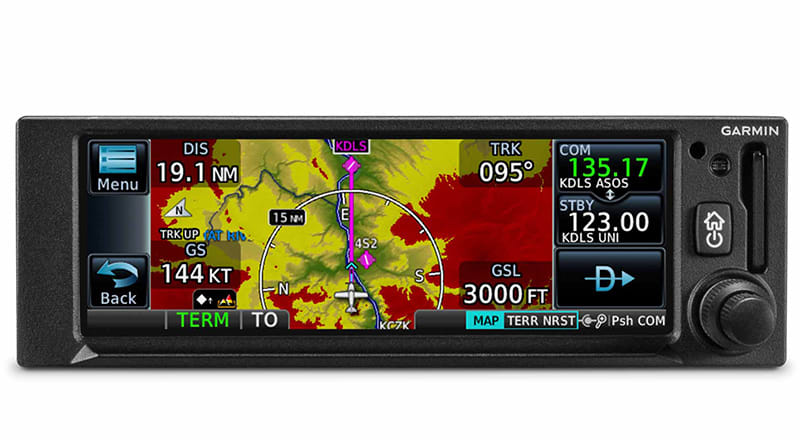
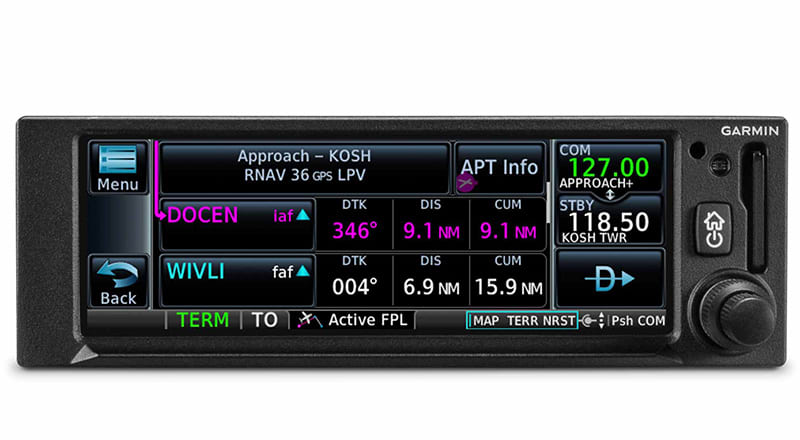
Visualize your entire flight plan, including holds and approaches, on the 4.8” touch display.
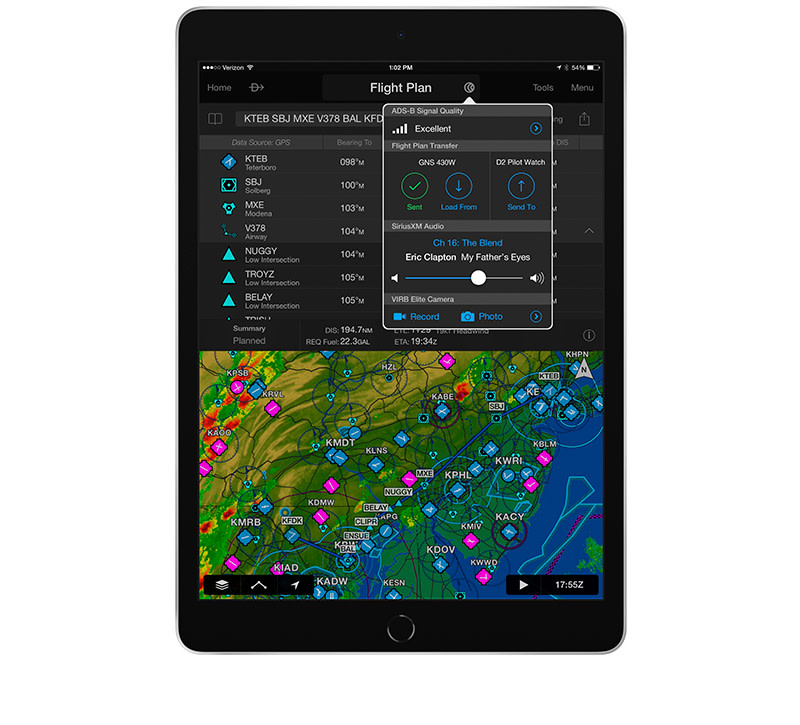
Use built-in Connext® wireless technology to connect to the Garmin Pilot™ or ForeFlight apps.
Created for Part 23 Class I/II aircraft (weighing less than 6,000 lbs) and experimental/amateur-built aircraft, GNC 355 provides a smart, affordable way to add next-generation navigation to your favorite airplane.
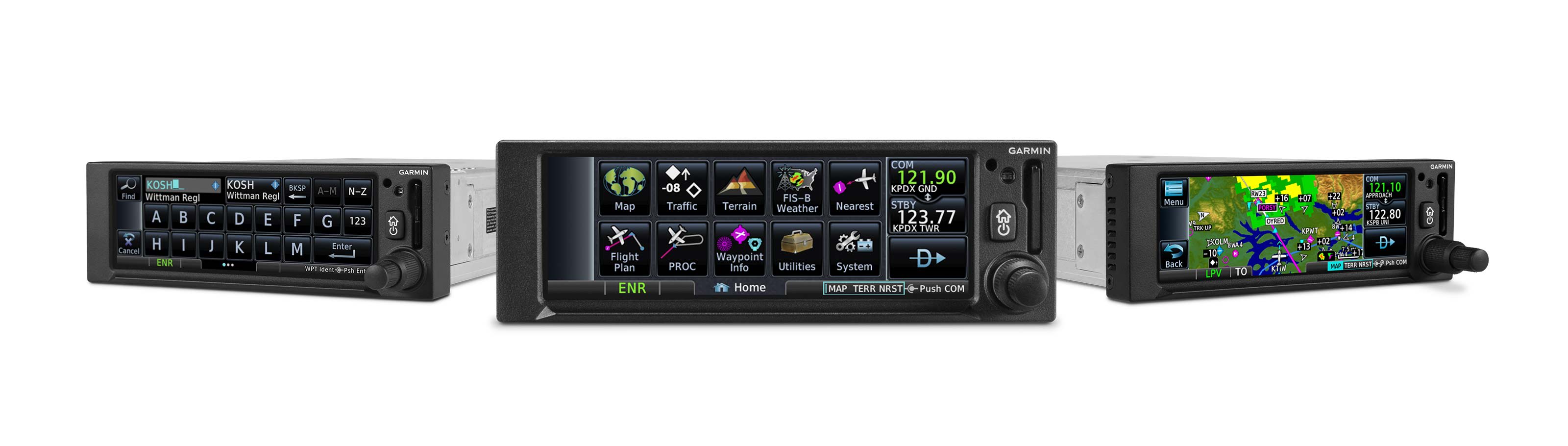
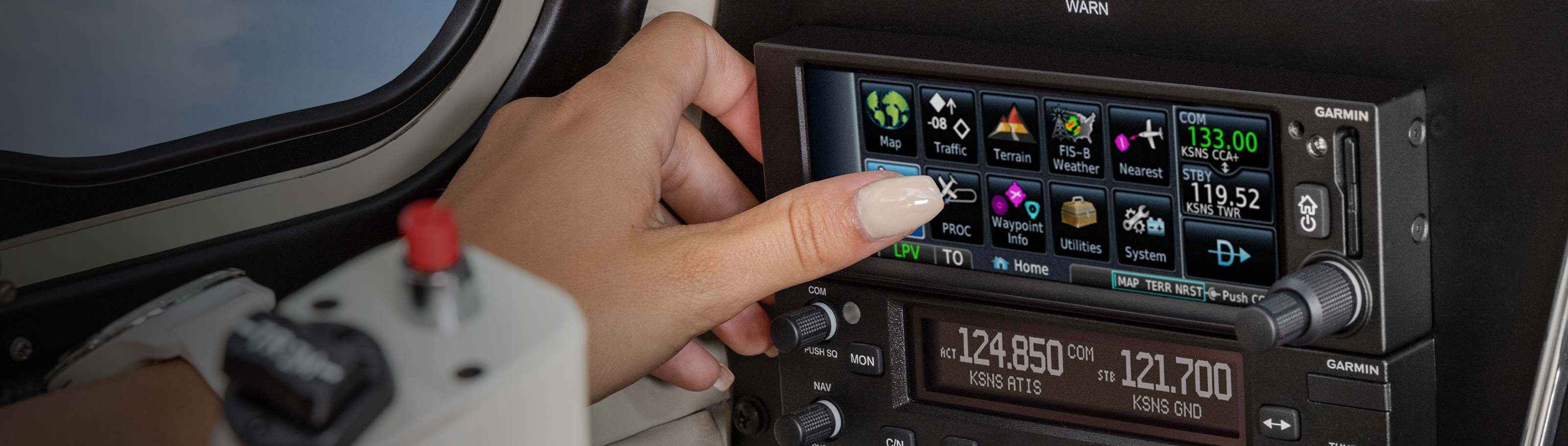
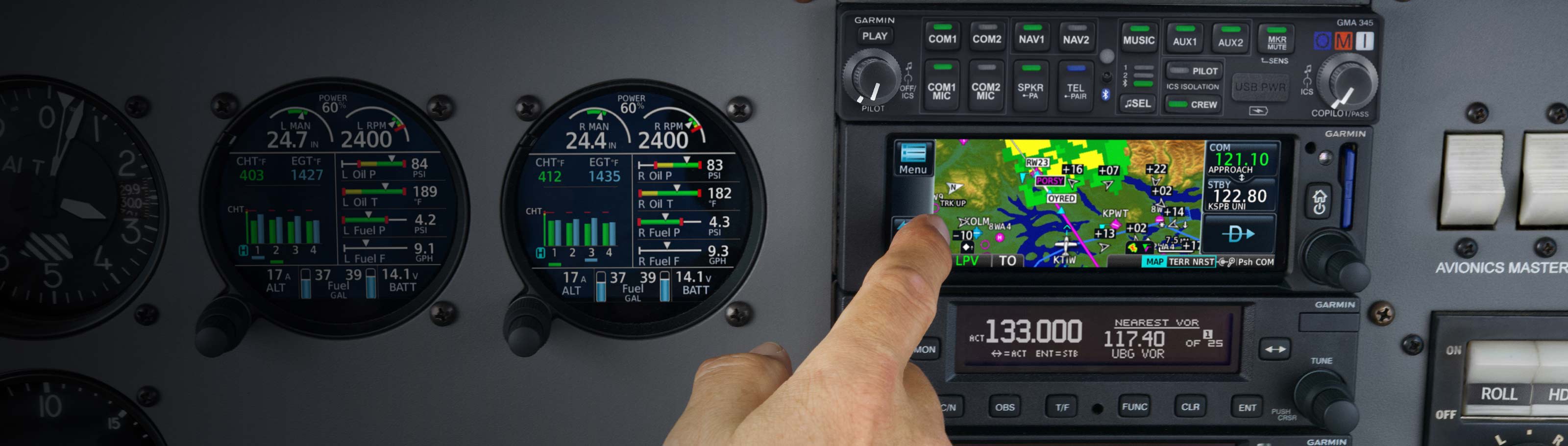
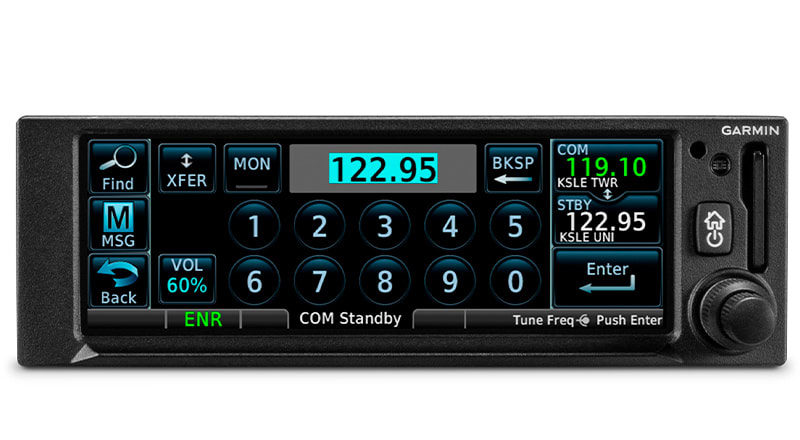
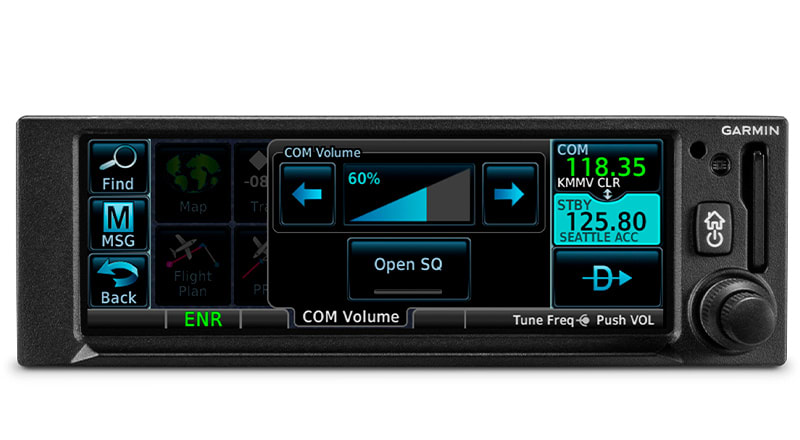
The intuitive touchscreen interface provides quick access to navigation, radio functions, multifunction display features and more.
The GNC 355 navigator has the same 2” height as older navigation equipment and can allow you to keep the composite legacy CDIs already in your aircraft to minimize installation cost1.
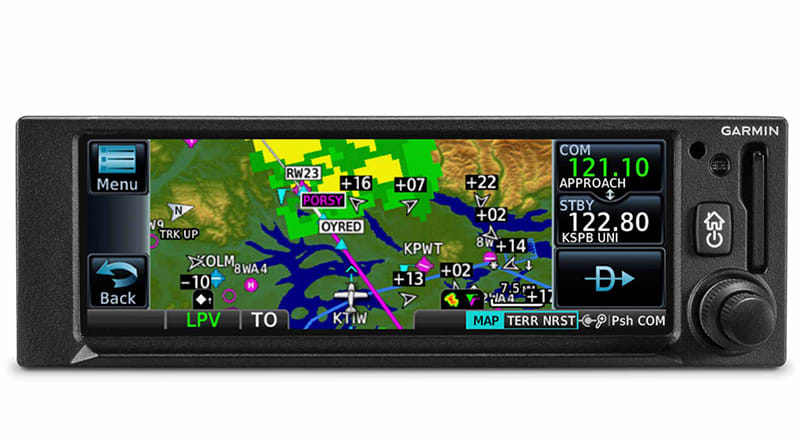
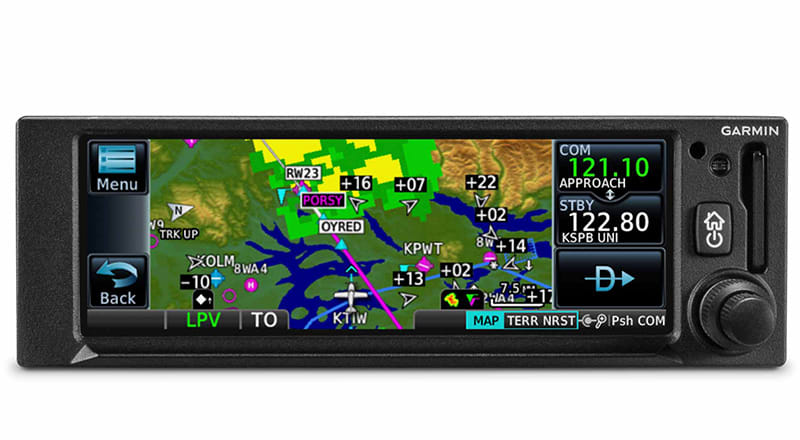
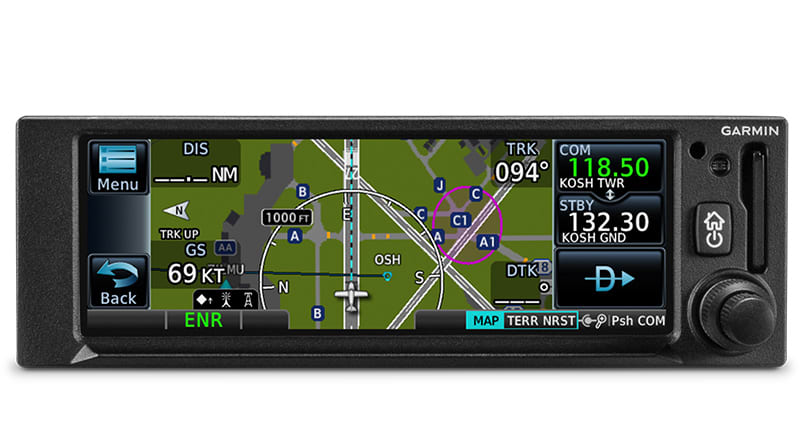
The 4.8” display puts moving maps, terrain, traffic, weather, SafeTaxi® airport diagrams and more at your fingertips.
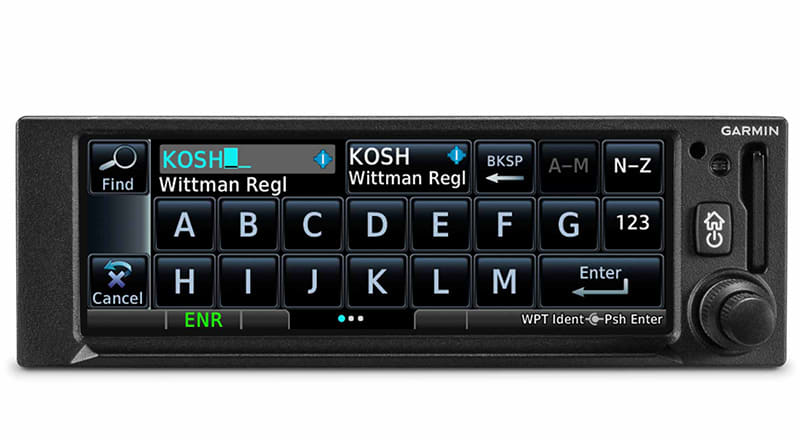
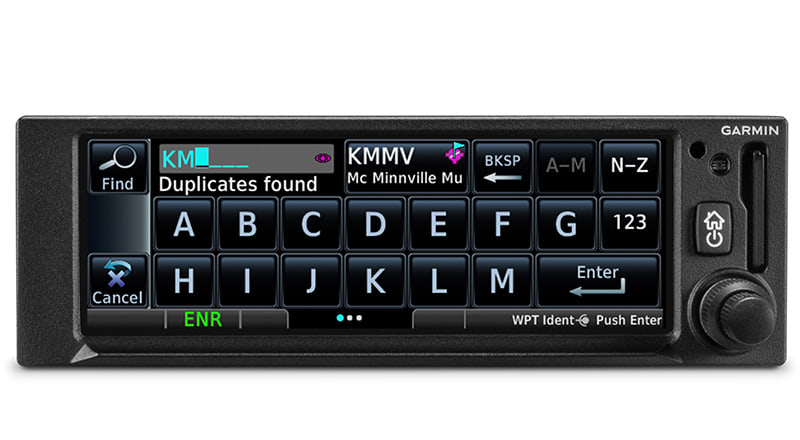
Use the on-screen keyboard or traditional concentric knobs to enter waypoint identifiers, routings and more.
A quick finger swipe lets you pan across the map display. Or use a smartphone-like pinch-to-zoom motion to scale up or down on any map, traffic or terrain page.
As soon as you start typing, the GNC 355 navigator’s FastFind feature uses quick predictive logic to suggest airport and waypoint entries by using current GPS position. Just select and go.
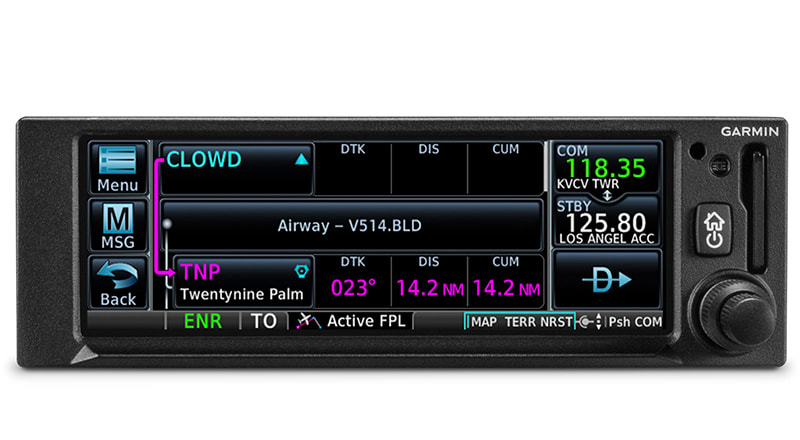
Victor airways can be overlaid on the map. For easy IFR routings, view airway segments available from a waypoint and corresponding exit options.
This handy feature lets you grab a flight plan leg on the screen and then stretch or move it to adjust for a deviation or ATC amendment to your flight plan.
By referencing built-in terrain, mapping and obstacles databases, GNC 355 shows detailed surface features, cities, airports, SUAs and more on the dynamic map display.
A built-in database provides color-coded display overlays to warn when potential terrain conflicts loom ahead.
A Direct-to key on almost every page lets you quickly enter a direct course for any selected waypoint. A menu of nearest airports and flight plan waypoints makes for easy entry.
The WAAS/SBAS-certified GPS receiver enables GPS-guided LPV glidepath approaches down to ILS-comparable minimums as low as 200’.
GNC 355 can give advisory visual approach guidance based on a published glidepath or a 3-degree slope from the runway threshold (with terrain/obstacle clearance).
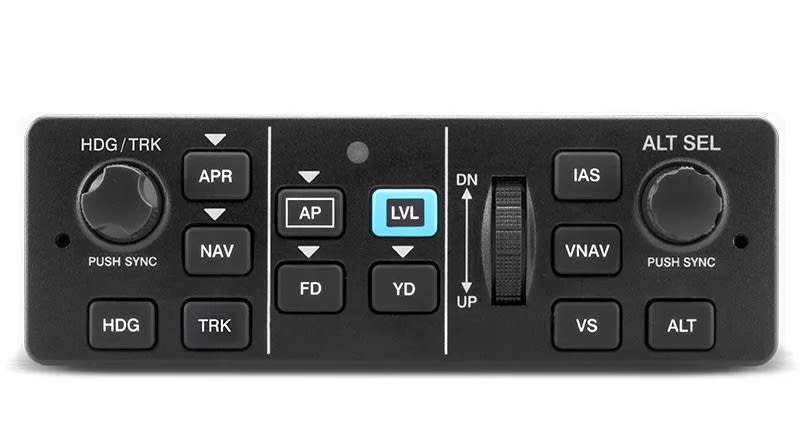
Precise course deviation and roll steering outputs can be coupled to Garmin autopilots and select third-party autopilots, enabling virtually all IFR flight procedures to be flown automatically.
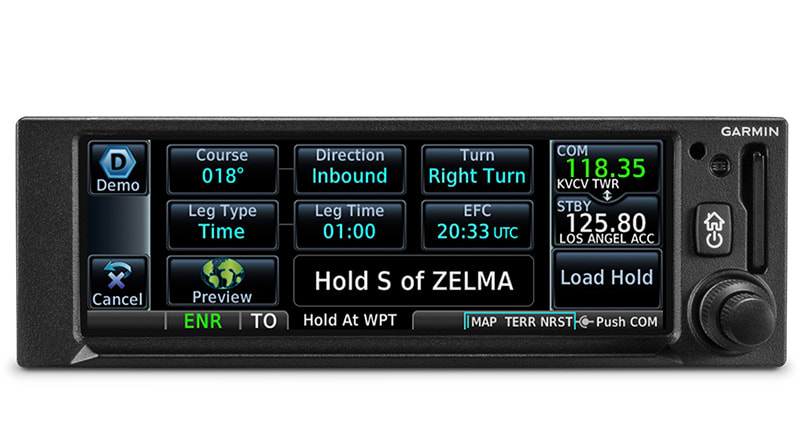
IFR pattern entries can be tricky. The GNC 355 navigator lets you easily create and execute holding patterns over a published or user-defined waypoint.
Upon landing, georeferenced SafeTaxi diagrams on the display automatically help you track your location on hundreds of airports.
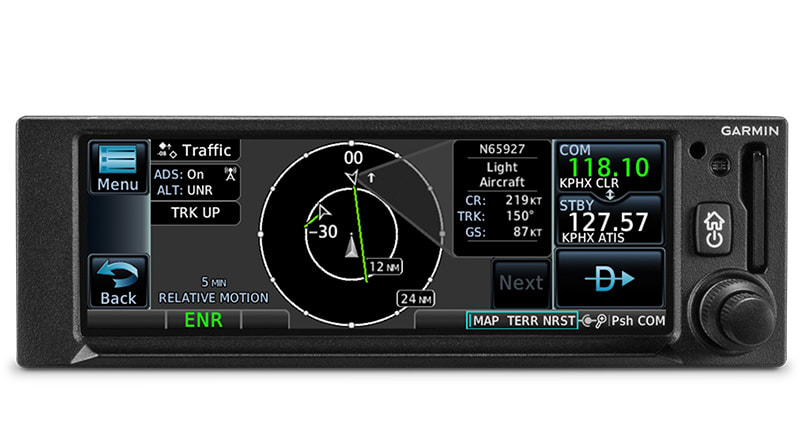
When paired with a Garmin ADS-B “In” equipage solution1, GNC 355 can display up to 60 ADS-B traffic targets as well as subscription-free U.S. weather data.
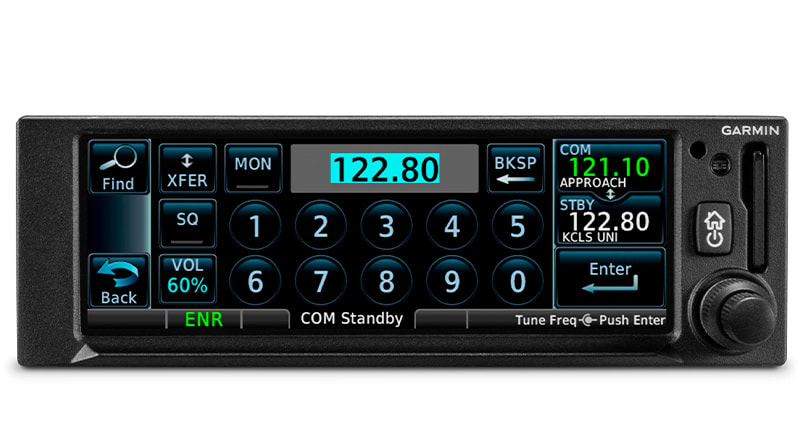
A 2,280-channel capable VHF COMM radio gives GNC 355 a standard 10 watts of talking power. With GNC 355A, you have the option for 8.33 kHz spacing.
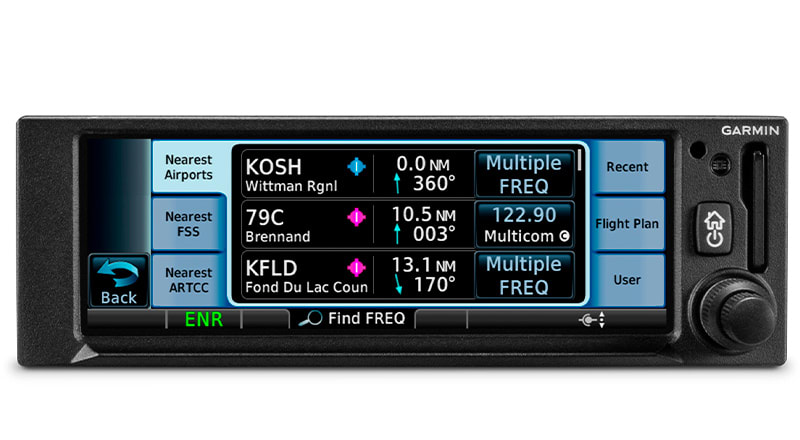
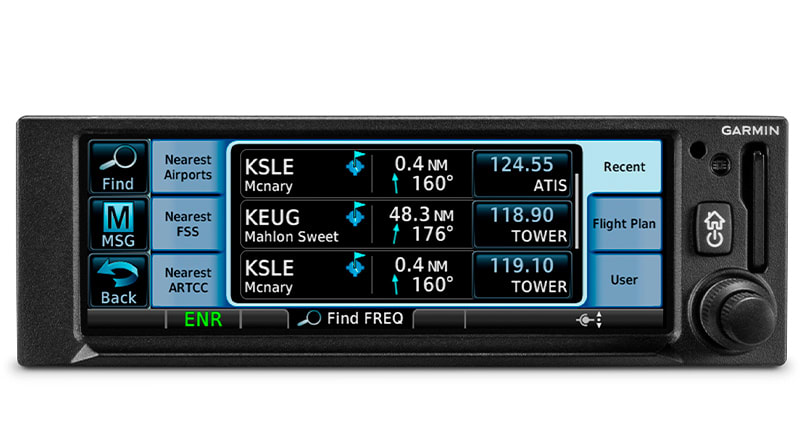
Save time with the onboard frequency database, and find airport, weather, FSS and center frequencies. Just tap to load your needed frequency to the standby spot.
GNC 355 database technology allows you to quickly recall your most frequently or recently used frequencies. Plus, holding down the frequency transfer key will dial up the emergency frequency.
If you’re given a frequency by ATC, the GNC 355 navigator lookup function will automatically provide the station identifier right below it. So you’ll know you’re making the right call.
Listen to a standby frequency, such as ATIS, without leaving your active channel.
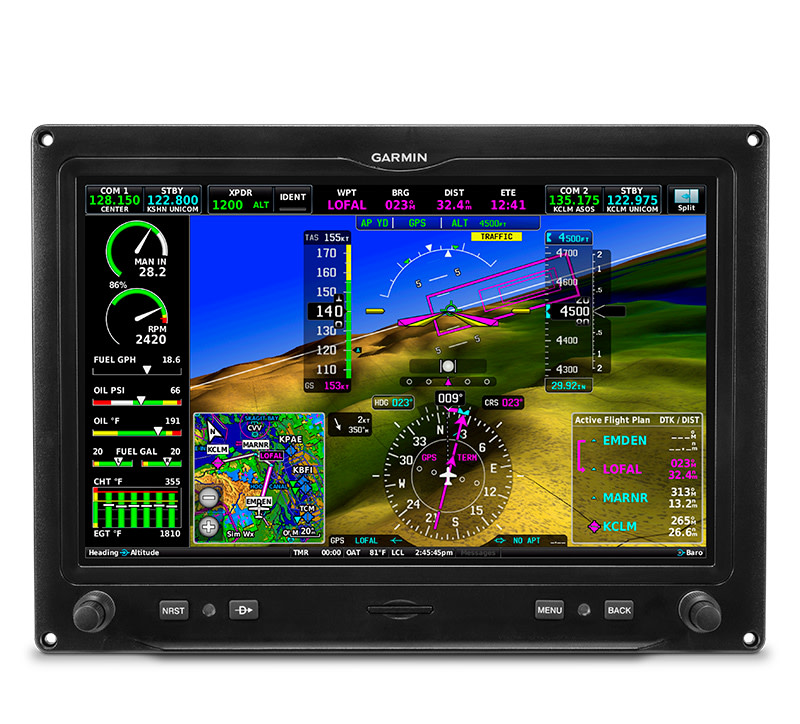
GNC 355 interfaces with Garmin flight displays, including G3X Touch™ (experimental and certified); G5 (experimental and certified); G500, G600, G500 TXi or G600 TXi; and select third-party displays2 to provide navigation outputs and ADS-B weather and traffic information.
Use built-in Garmin Pilot or ForeFlight apps2. In addition to GPS data, you can stream ADS-B traffic, weather and backup attitude data to your device in real time.
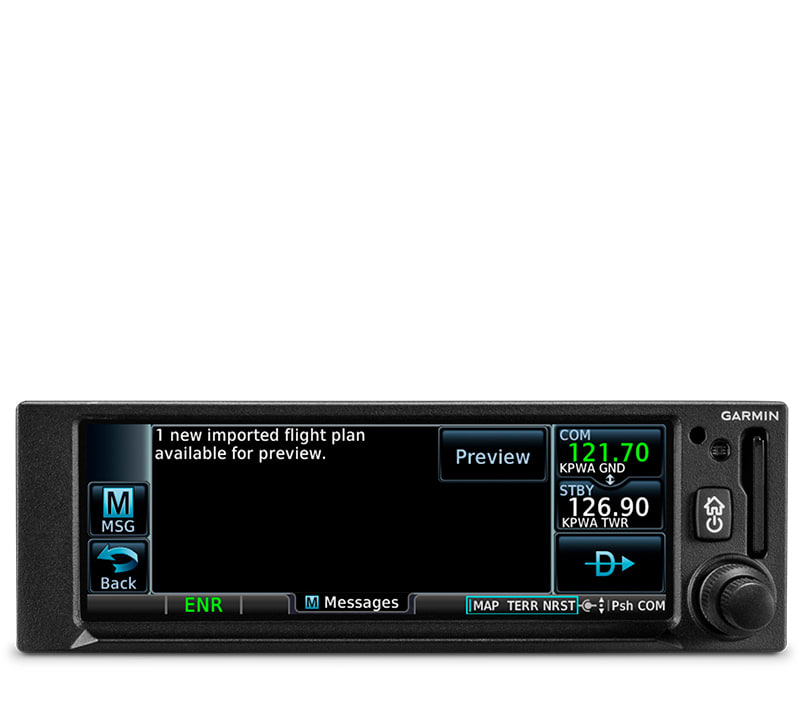
Save time by creating your flight plan on your mobile device at home, then use built-in Connext technology to wirelessly upload the data into your GNC 355 during preflight at the airport.
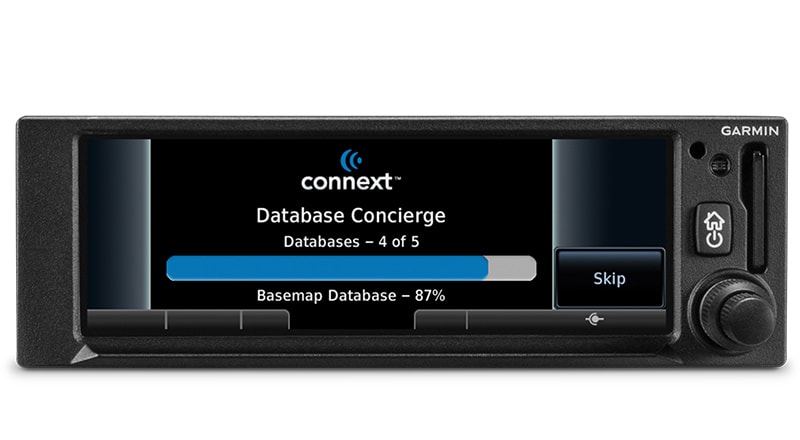
Install a Flight Stream 510 gateway1 to add Database Concierge to your GNC 355 navigator. Upload databases from your tablet in minutes — then let automatic sync with your compatible avionics do the rest.
A free iPad®Trainer app is available on the App Store®. Get familiar with the product, even before you buy!